AI-native organization for teams working on one canvas
Ask your agent to organize, move items, or iterate on comments
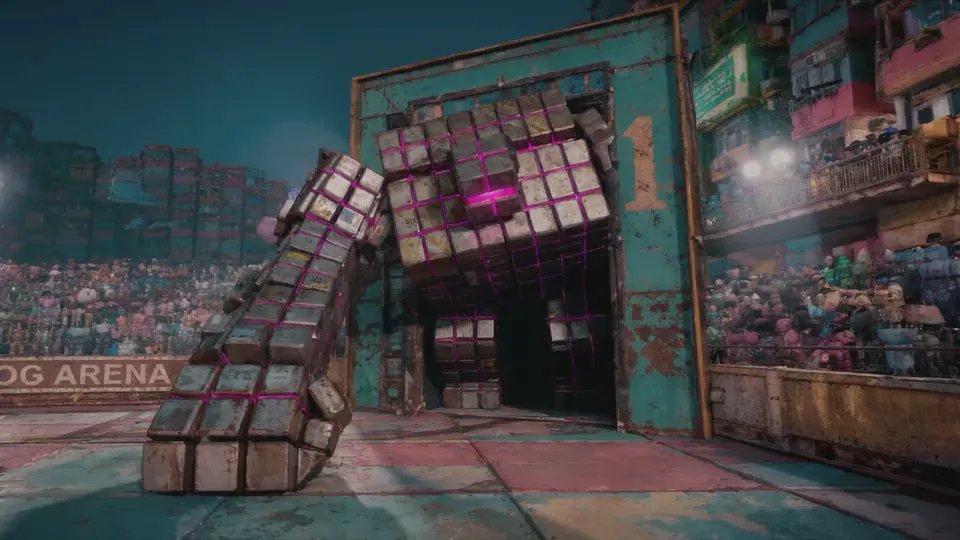


 absurd.com
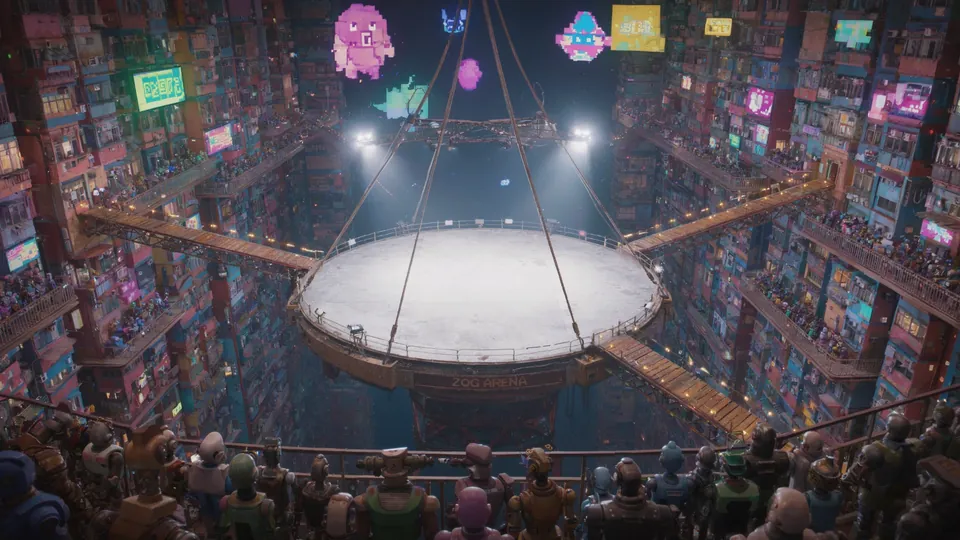
Renames assets
To match naming conventions
 absurd.com
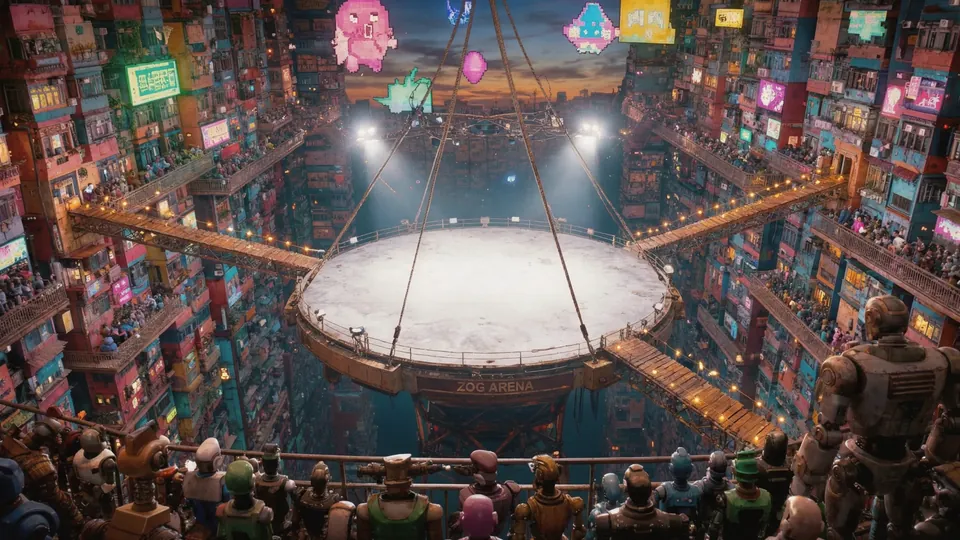
Groups and moves items
Across pages for review
 absurd.com
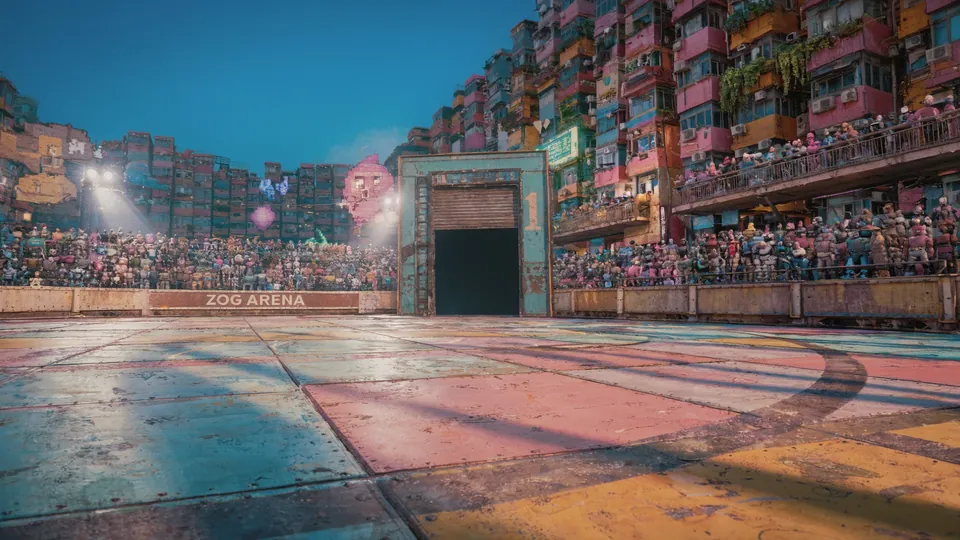
Iterate on commentsComing
The agent can do a wave of generations based on comments

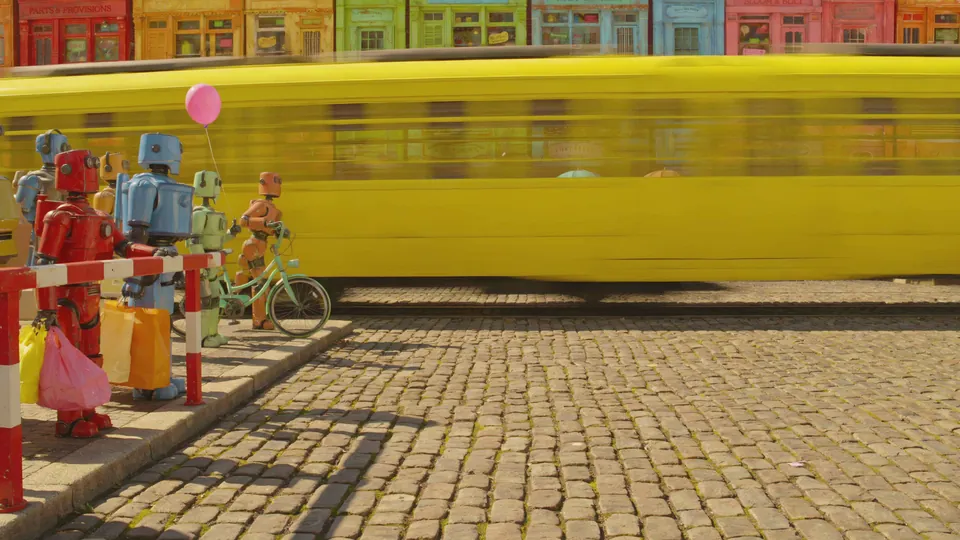
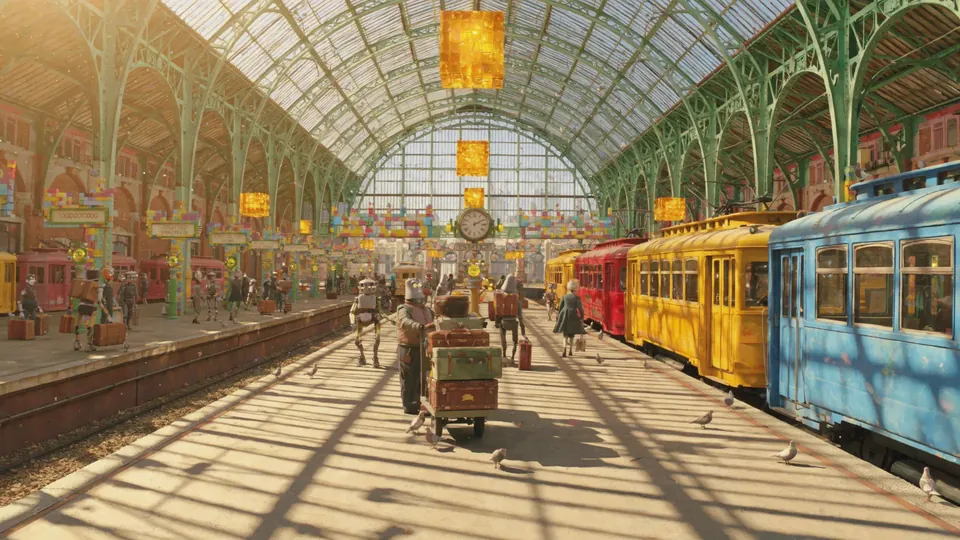
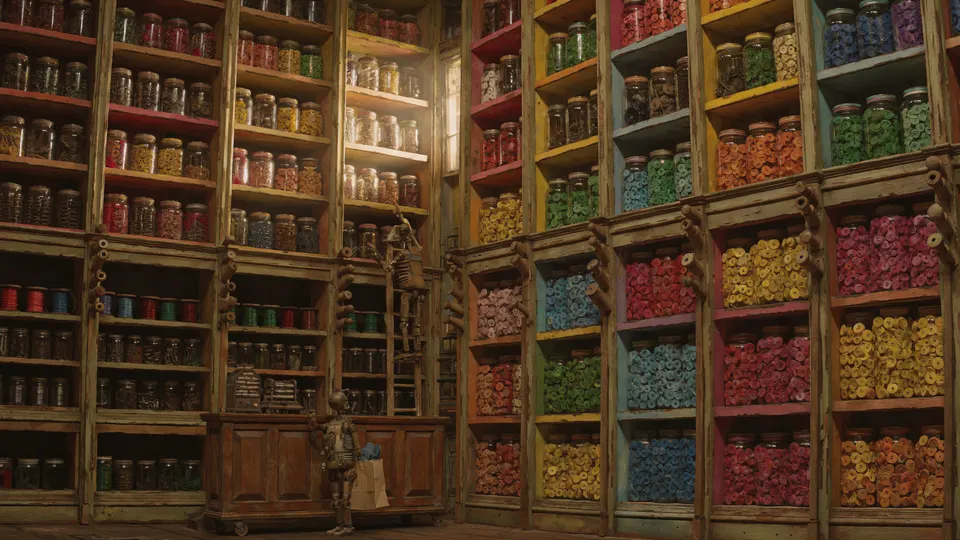
Track how every asset was made
See every prompt, model, and setting that was used to create the asset
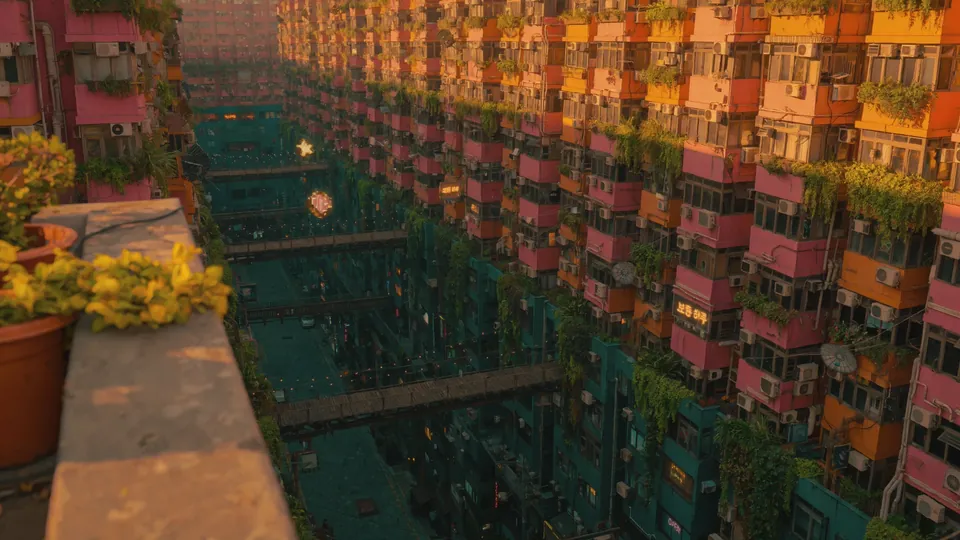
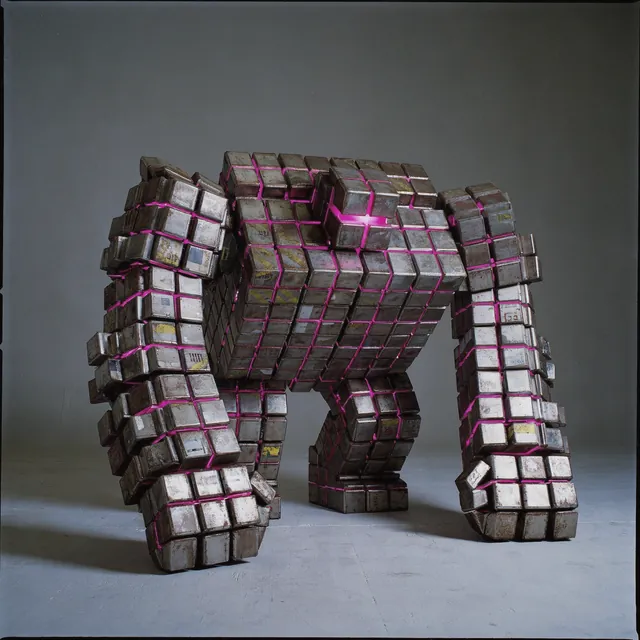
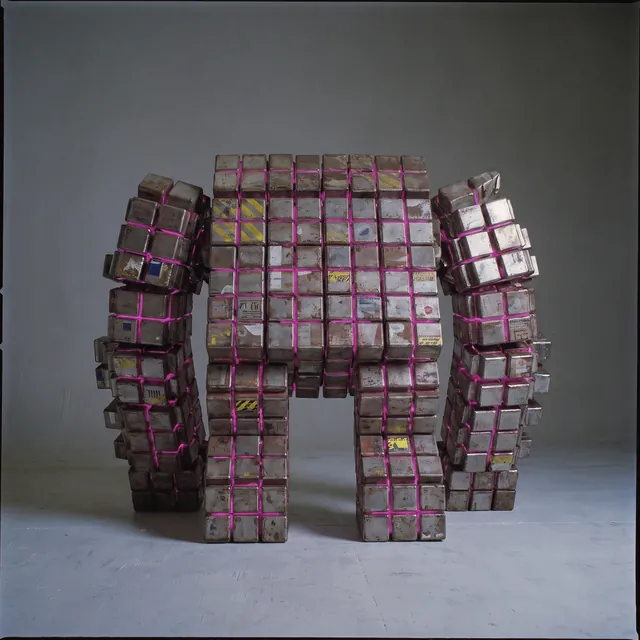

A page for every part of the work
Lock what's approved and choose what each client sees
Separate work into pages
Create pages for different scenes and lock it once you're done
Share work with clients
Choose what pages you want a collaborator to see
Work alongside each other
See what others are working on and follow them on the canvas

Control your team's spend
Set budgets for projects

Pablo Cervera wants +$200 for Colorful City
Today · 4:12 PM · $500.00 of $500 spent
“For the champion’s turnaround”
Pablo Cervera wants +$200 for Colorful City
Today · 4:12 PM · $500.00 of $500 spent
“For the champion’s turnaround”
Decide, discuss and find it together
Review a round at once, talk on the take, and search the whole canvas
Review takes in batches
Keep or cut a whole round of generations in one pass
Comment on any take
Pin a thread to a take, reply, react and @mention a teammate
Search the canvas
Find a take by its name, its prompt or its model
Creates pages and names them
Ask for a page per scene and the agent makes each one
No, only the pages you pick. Share a canvas or a project with someone as an Editor or a Viewer, then choose which pages a Viewer sees. Viewers can comment.
Yes. They can sign in via Google, but they don't need to be a paid user as part of your team.
Not yet. Today it works from the note you leave with Suggest feedback, on a proposal or in review, and drafts the next take from that. Reading comments is coming.
Owners and admins give each project a budget, a cap on what it can spend over its life. When a project hits it, a member can ask for more with an amount and a reason, and an owner or admin approves or denies it.
Every edit on that page, including the agent's, so no changes, generations or review. Comments still work, and any editor can unlock it.
All the way to its first inputs. View history shows every generation between those inputs and the take. Uploads and film stills have no history.
Yes. Export history saves a take, a selection, a page or the whole canvas as a PDF and a spreadsheet, back to the original uploads, with a SHA-256 fingerprint of each file. On Teams and Enterprise, editors and owners can export.